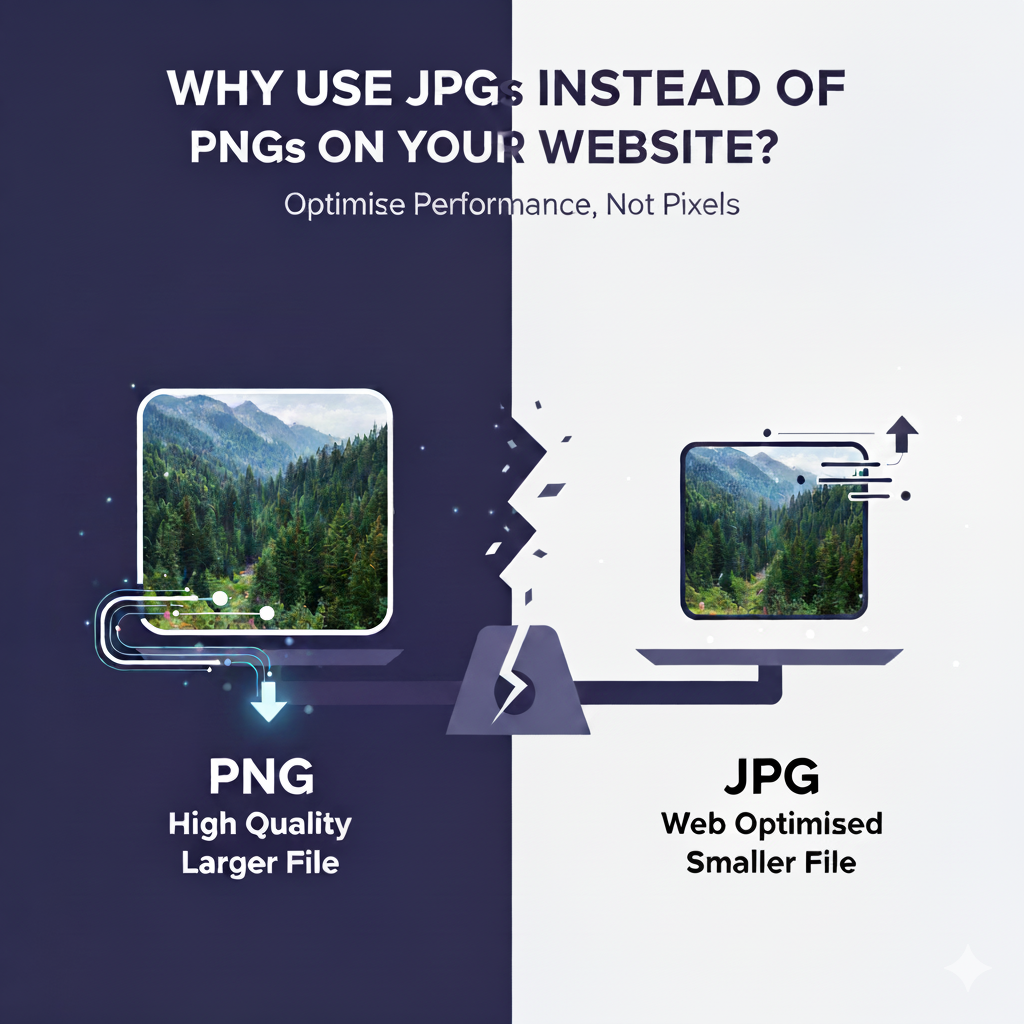
Choosing the right image format can make a big difference to your website’s performance and user experience. Here’s why JPGs (JPEGs) are often better than PNGs — and when you might want to use each.
✅ Why JPGs Are Usually Better:
- Smaller File Size — JPGs use lossy compression, which significantly reduces file size with minimal visible quality loss for photographs.
- Faster Loading — Smaller images mean quicker page load times, which is crucial for mobile users and SEO.
- Great for Photos & Complex Images — JPG handles gradients, shadows, and complex color variations well.
🟡 When PNGs Are Better:
- Transparency Needed — PNG supports transparent backgrounds; JPG doesn’t.
- Sharp Graphics & Logos — PNG is ideal for logos, icons, text graphics, and line art because it’s lossless.
- Pixel-Perfect Detail — For graphics that need to maintain crispness and quality, PNG preserves every detail.
📝 Best Practice:
- Use JPG for: Photographs, large images, blog images, background images.
- Use PNG for: Logos, icons, transparent images, UI elements.
- Consider WebP: A modern format that often delivers smaller file sizes with great quality — ideal for both photos and graphics.
Your Website Image Optimisation Checklist:
✅ Use the right format for the right purpose.
✅ Compress images before uploading.
✅ Use responsive images (WordPress handles this with srcset).
✅ Enable lazy loading for off-screen images.
✅ Consider a CDN (Content Delivery Network) for faster delivery.
✅ Regularly audit your site for oversized images.
Using the right image formats
Optimising them properly can have a big impact on your website’s speed, SEO, and user experience. JPGs are great for photos, PNGs shine for graphics, and modern formats like WebP are worth exploring.
Need help optimising your website images or improving your site’s performance? Let’s chat!